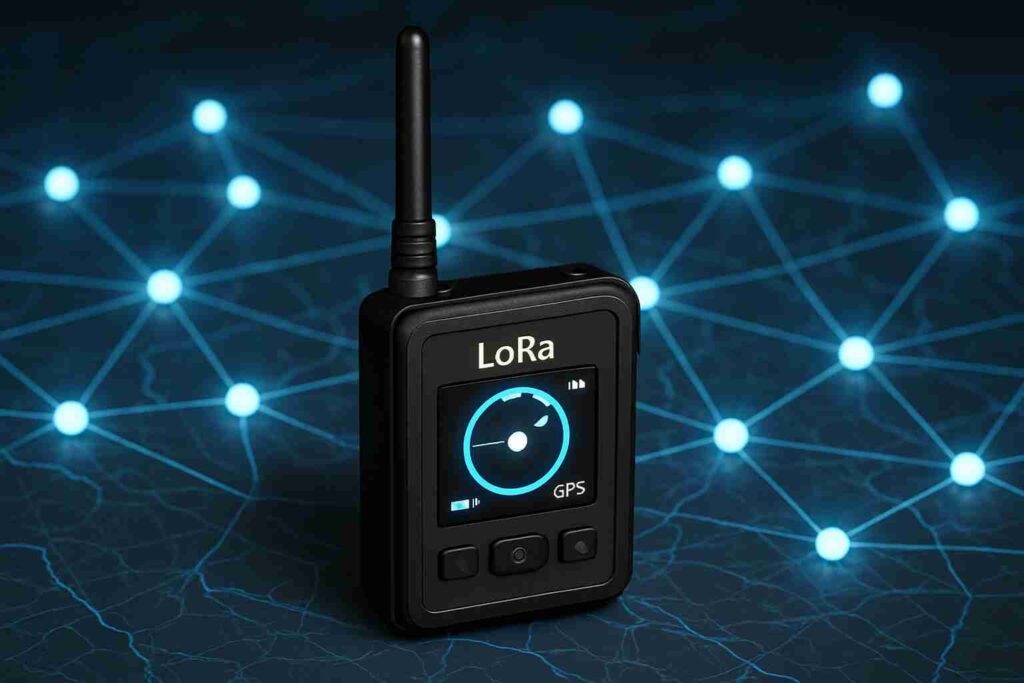

Meshtastic is transforming communication by facilitating resilient mesh topologies through LoRa radios. This manual delves into the LoRa mesh network installation, fine-tuning techniques, and practical uses of Meshtastic networks. It provides valuable guidance on optimal hardware options for Meshtastic, Meshtastic firmware installation methods, and sophisticated Meshtastic tools such as GPS tracking, all designed to boost your capabilities in extended-range communication devices.
Understanding the Meshtastic LoRa Radio
Meshtastic stands out as an innovative platform utilizing LoRa radios to build vast mesh networks that transform traditional long-distance communication. These Meshtastic LoRa radio units specialize in facilitating low-energy communication across remarkable ranges, efficiently bypassing the usual limitations seen in standard networks. Designed to grant users enhanced reach, this technology is particularly effective in settings where conventional infrastructure falls short, such as isolated areas or during urgent communication needs.
At the core of the Meshtastic LoRa radio platform lies a powerful capacity to sustain both performance and dependability. By enabling a decentralized LoRa communication system where each node collaborates dynamically, it ensures that messages successfully traverse even the most challenging landscapes. It achieves outstanding efficiency thanks to its minimal power demands combined with an impressive coverage span.
That said, users may encounter obstacles like LoRa radio signal interference from physical barriers and must strategically implement best practices for LoRa device installation to boost signal strength. Having a clear understanding of these potential issues equips users to refine their mesh setups and enhance communication stability. As you proceed with your LoRa mesh system setup, anticipating these challenges will help tailor a communication network that fits your distinct requirements.
Setting Up Your Meshtastic Network
The first step in a successful LoRa mesh network installation involves obtaining the right equipment. Key elements include the Meshtastic LoRa radio and a suitable power supply. Built for extended-range communication, these radios are perfect for establishing wide-area mesh networks. Following this, download and install the Meshtastic app, available on both Android and iOS platforms. This intuitive application facilitates efficient configuration of your devices within the mesh system. By linking your radios to your mobile device through Bluetooth, you can easily fine-tune settings like channel frequency and encryption keys.
After synchronizing your hardware with the software, proceed with setting up your devices to interact. To avoid any cross-talk, assign distinct IDs to every device on the network. Understanding the significance of device placement is vital since it impacts signal quality and data throughput. Strategically situate your devices to enhance coverage while steering clear of hefty metal objects and thick walls. Maintaining an adequate gap between radios is also essential to reduce LoRa radio frequency interference and ensure clearer transmissions.
Subsequently, perform a mesh network signal blind spot assessment to identify any coverage gaps, guaranteeing that each device reliably passes messages throughout the mesh. Following these guidelines, establishing a dependable mesh system with Meshtastic LoRa radio becomes manageable, laying the groundwork for strong and resilient communication.
Selecting the Best LoRa Radios for Meshtastic
Choosing the ideal Meshtastic LoRa radio plays a pivotal role in maximizing efficiency and performance. When making your selection, prioritize aspects such as range, power consumption, price, and ease of operation. The range defines how far your signals can travel, with longer distances demanding radios that offer greater sensitivity and transmission power. Power consumption becomes critical for setups requiring prolonged use without regular battery replacement. Balancing costs within your financial limits is important, though essential features should not be sacrificed. Additionally, consider the simplicity of use, especially if the team lacks technical expertise. Numerous choices are available on the market, including the Meshtastic LoRa radio, which offers a well-calibrated balance between cost and capability.
After that, examine particular models closely. While some radios provide extended range, they may consume power quickly; others focus on energy efficiency, making them ideal for solar-powered LoRa radio solutions. Setup complexities differ as well; models without extensive tech support are better off if they come with user-friendly LoRa radio setup. Also, take into account the environment where your equipment will operate—some radios are rugged LoRa radio devices built to endure harsh terrain and weather. Ultimately, pick a model that matches both your technical needs and your budget to guarantee smooth integration and durability.
Flashing Firmware on Meshtastic Devices
Installing the correct firmware on your Meshtastic devices unlocks vital functionality and enhances overall performance. This section offers comprehensive instructions on the Meshtastic firmware installation procedure, covering necessary tools, effective methods for preserving data, and frequent troubleshooting approaches to guarantee a seamless setup and operation of Meshtastic applications.
Before starting, make sure you have the required equipment: a computer with internet connectivity, the optimal USB cable for Meshtastic flashing process, and the newest firmware version from the Meshtastic GitHub repository. Select the firmware compatible with your device model to take advantage of improvements and bug patches. Always back up critical settings and files before initiating the firmware deployment to avoid data loss.
Connect your Meshtastic LoRa radio to your PC to begin. Launch a terminal or command prompt and change the directory to where the firmware file is stored. Execute the device-specific command instructions as provided. The programming typically completes within a few minutes. Once done, confirm the update by verifying the firmware version displayed in your Meshtastic app.
Should you run into problems, recheck all connections and confirm your Meshtastic LoRa radio is fully powered. After ensuring cable integrity and device compatibility, restart the flashing process. With repetition, this firmware update becomes intuitive, establishing the groundwork for enhanced communication and integrating Meshtastic GPS synchronization within your mesh topology positioning system.
Exploring GPS Tracking and Meshtastic Mesh Networks
Integrating GPS tracking within your Meshtastic mesh topology configuration transforms its utility, providing both practical and inventive applications. Enhancing communication efficiency over wide areas becomes possible by embedding GPS capabilities, which is essential for tasks involving position reporting and asset monitoring. Once the Meshtastic firmware installation is complete, setting up GPS is simple. Begin by linking your Meshtastic device with a companion app, where you can adjust settings such as update frequency and allowed location precision.
A significant benefit is the ability to transmit data in real time, facilitating smooth tracking of personnel or assets—especially critical in remote or difficult environments where conventional communication may fail. Use your Meshtastic network’s detailed location data to improve routing or increase operational safety. In situations like search and rescue, this GPS synchronization not only extends your network’s reach but also enhances coordination, ensuring prompt actions.
To make the most of this system, confirm that your equipment, like the Meshtastic LoRa radio, supports GPS modules. Tailor antenna alignment or power configurations to fit your surroundings, preserving signal quality. After the setup is done, your network becomes a robust solution for precise location tracking, effectively protecting both people and assets.
Conclusions
Meshtastic provides a flexible approach to building robust mesh networks by leveraging LoRa technology. By mastering the LoRa mesh topology configuration, selecting the optimal hardware options for Meshtastic, and exploring applications such as extended-range GPS tracking units, users open doors to remarkable possibilities in wide-area communication. Whether intended for personal projects or expansive network deployments, Meshtastic keeps pushing the boundaries of innovation to guarantee connectivity even under the most demanding conditions.